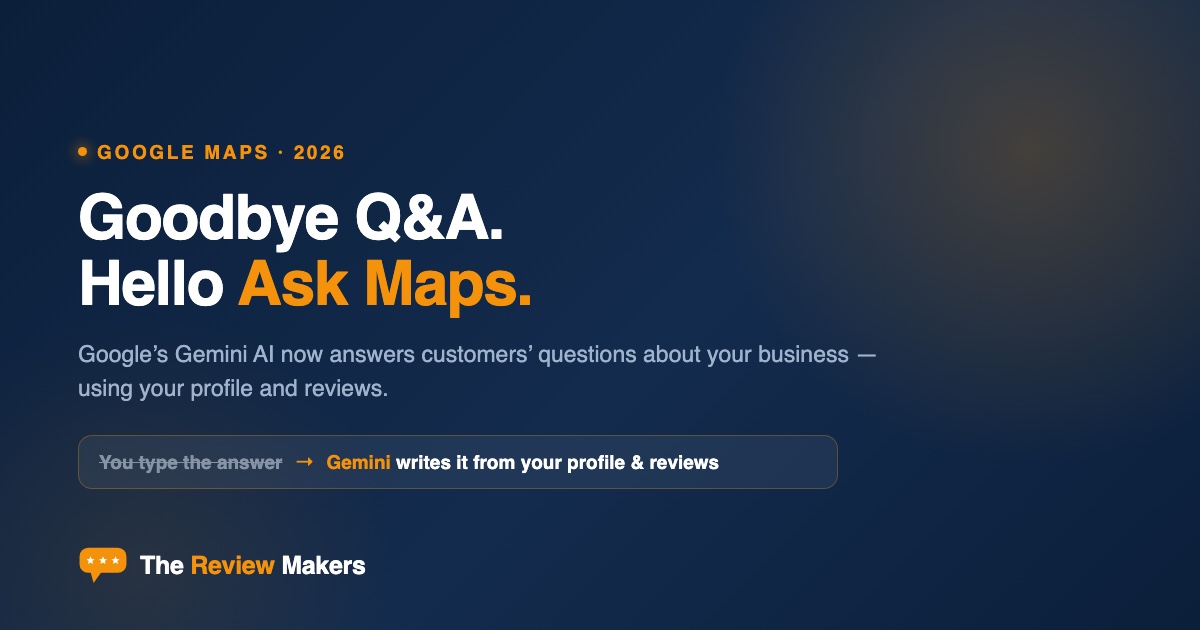
Short version. Google quietly retired the Q&A section on Maps and replaced it with “Ask Maps” — a Gemini-powered assistant (launched March 12, 2026) that answers customers’ questions about your business by reading your [Google Business Profile](https://thereviewmakers.com/gbp-grader) and summarizing your reviews. You can no longer seed your own Q&A answers. Now the AI writes the answer — and what it says is only as good as your profile and your reviews.
For years, the Q&A box on your Google listing was something you could control. A customer asked “Do you offer emergency service?” and you (or a helpful regular) typed the answer. Those days are over.
On March 12, 2026, Google replaced Q&A with Ask Maps, and it changes who’s doing the talking about your business.
What Ask Maps actually does
Ask Maps is a conversational, Gemini-powered assistant built into Google Maps. Instead of scrolling a listing, people ask full, natural questions — “Is there a family dentist near me open on Saturday that takes new patients?” — and Gemini returns a written answer with recommended businesses, summarized reviews, and actions like directions or booking.
When someone asks a question about your business specifically, Gemini generates the answer from two things: your Google Business Profile (hours, services, attributes, description) and your customer reviews, which it reads and summarizes. There is no longer a Q&A field for you — or a competitor, or a random passerby — to type into.
You used to answer customers’ questions yourself. Now Gemini answers them — using only what your profile and reviews already say.
— The Review Makers
Why this is a big deal for local businesses
This is a quiet shift with loud consequences:
- You lost a control surface. The old Q&A let you publicly correct misconceptions and pre-answer common questions. That’s gone — you now influence the answer only indirectly.
- Gaps become wrong answers. If your profile doesn’t list a service, attribute, or accurate hours, Gemini may say you don’t offer it — or decline to recommend you at all.
- Your reviews are now “source material.” Gemini synthesizes what customers wrote. Rich, specific, recent reviews give it good material; thin or outdated ones give it little to work with.
How to make Ask Maps work for you
You can’t write the answer anymore — but you fully control the inputs it’s built from. Here’s where to focus:
- Complete every field on your Google Business Profile. Services, attributes, hours (including special hours), and a detailed description are the raw facts Gemini answers from. Empty fields = missing or wrong answers. Check yours with our free Google Business Profile Grader.
- Turn common questions into profile content. The FAQs you used to answer in Q&A should now live in your description, services, and attributes — and in Google Posts, which Gemini can also draw on.
- Get reviews that mention specifics. Reviews that name services, staff, and outcomes (“same-day crown,” “great with anxious kids”) give Gemini concrete, quotable material. Encourage detailed reviews, not just star ratings — and keep them recent.
- Respond to reviews. Owner responses add context and signal an active, trustworthy business — our [Review Response Generator](https://thereviewmakers.com/review-response-generator) makes it fast.
- Keep everything consistent and current. Outdated hours or services don’t just annoy customers now — they train the AI to give wrong answers.
Our honest take
Ask Maps is really the same lesson we’ve been giving all year, made unavoidable: your Google Business Profile and your reviews are your storefront now — and increasingly, they’re the script an AI reads aloud to customers. The businesses that keep a complete, current profile and a steady stream of detailed reviews will get accurate, flattering AI answers. The ones running on a half-finished profile and a handful of old reviews will get vague answers — or get skipped.
The Q&A box you could edit is gone. The good news: the inputs that replaced it are things a well-run business should be maintaining anyway.